
Make banners that look like the ones you see on real news and shopping sites: product deals with prices, weekly offer strips, Black Friday sales, photo slideshows and fashion lookbooks. Pick a template, change the photos, text and colors, and download every size as an animated HTML5 banner or as images. Free, no sign up, no watermark.
Loading Banner Studio...
Banner templates and examples
Every template works in 12 sizes, from the 320x50 mobile banner to the 970x250 billboard and social formats. The layout changes for wide, square and tall sizes, so you do not have to design each size by hand. These examples were made in Banner Studio with the built-in sample photos.
Product deal: one product, one big price
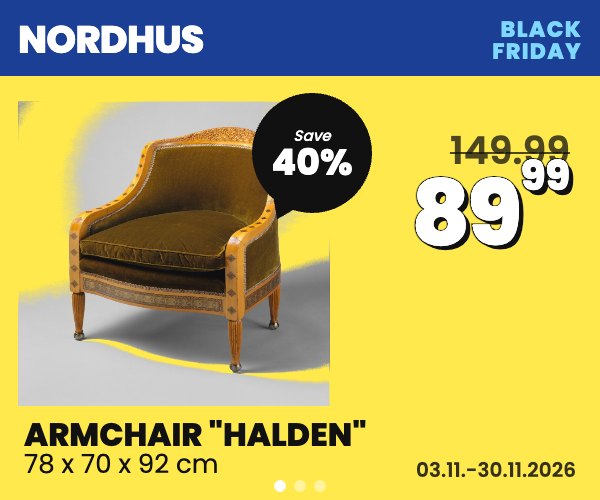
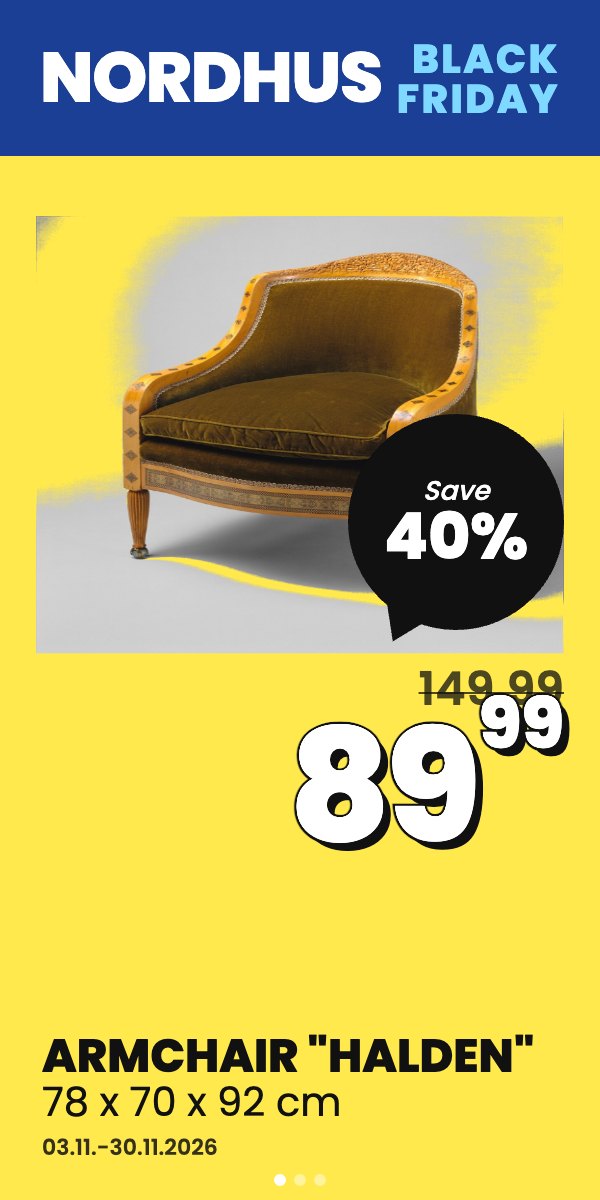
Best for furniture, home, electronics and fashion shops. Each slide shows one product with its photo, the new price in large numbers, the old price crossed out and a discount bubble. Use 2-4 products as slides, and give each its own link to the product page.
Product strip: several offers in one banner

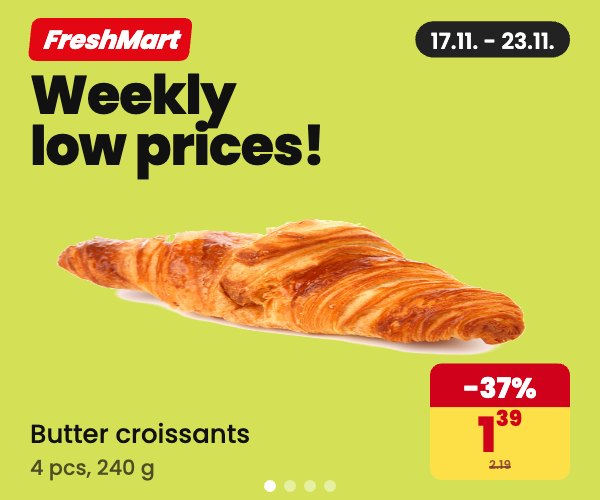
The supermarket weekly offer layout. Wide sizes show several products side by side, each with a price box and its own click link. Square and tall sizes show one product per slide. Great for catalogs, weekly deals and marketplaces.
Big sale: Black Friday and seasonal sales
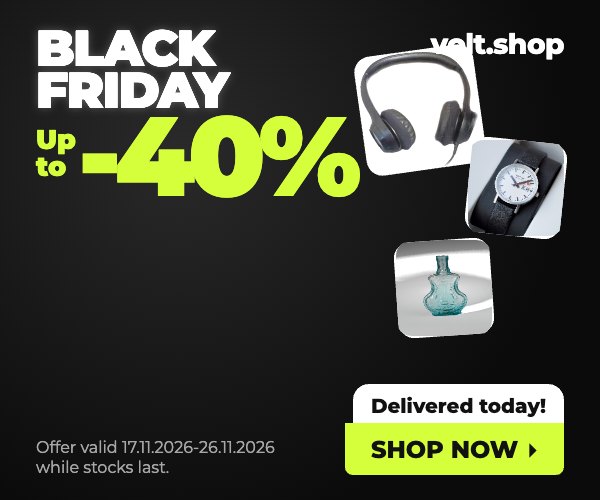
A dark, high-contrast design with a huge discount number, product stickers, a sticker like "Delivered today!" and a bright button. Use it for Black Friday, Cyber Monday, end-of-season sales and flash sales. Add the offer dates in the small print.
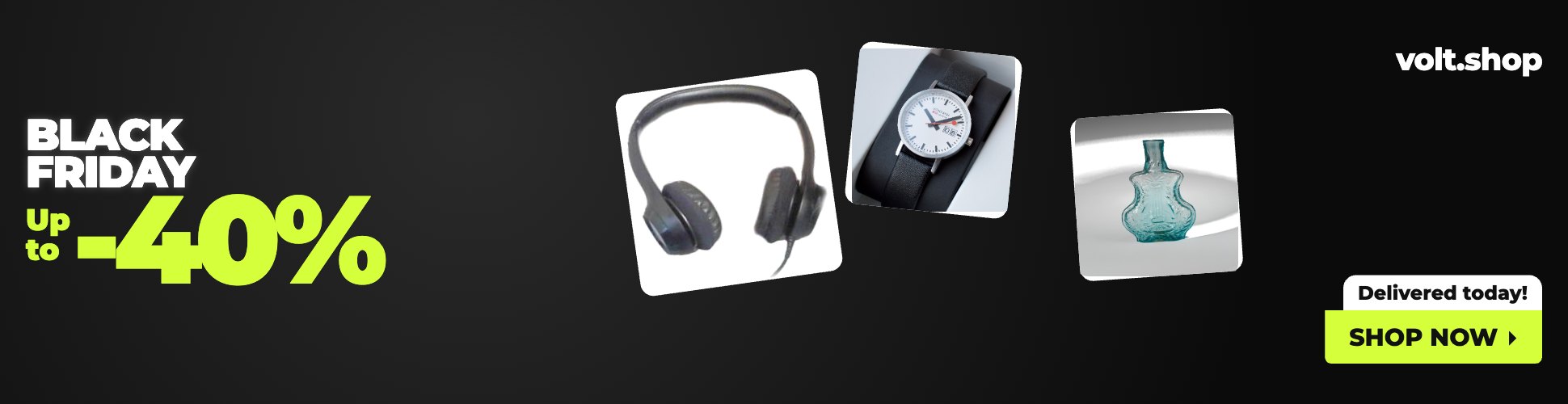
Photo split: brand message next to a lifestyle photo
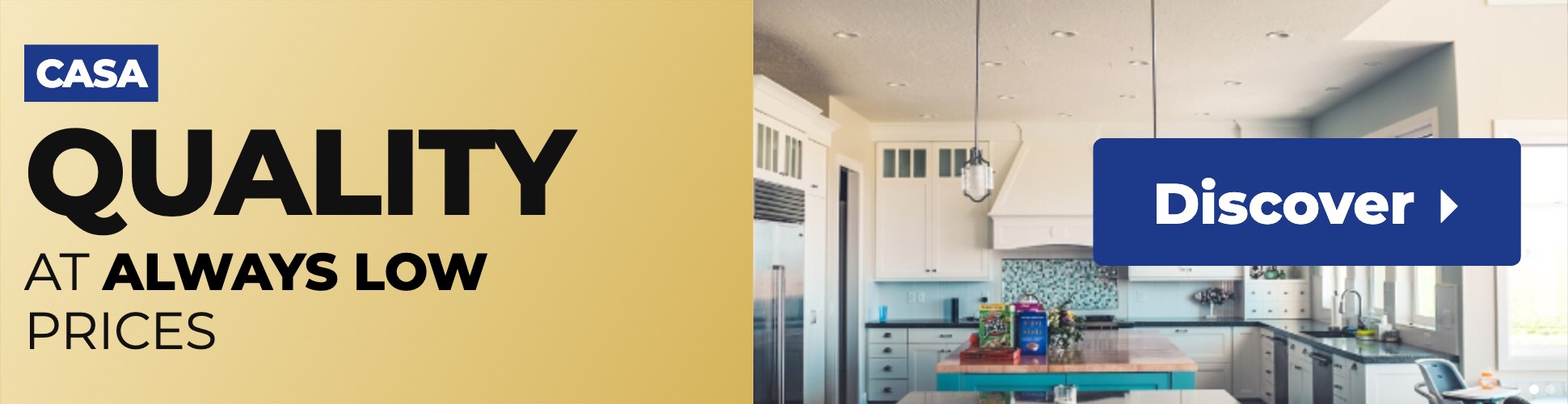
A colored panel with your logo and headline next to a lifestyle photo with a diagonal edge. It suits brand campaigns for interior, real estate, beauty and services, where the photo sells the feeling. Each slide can have its own photo and line of text.
Lookbook: a moving row of products
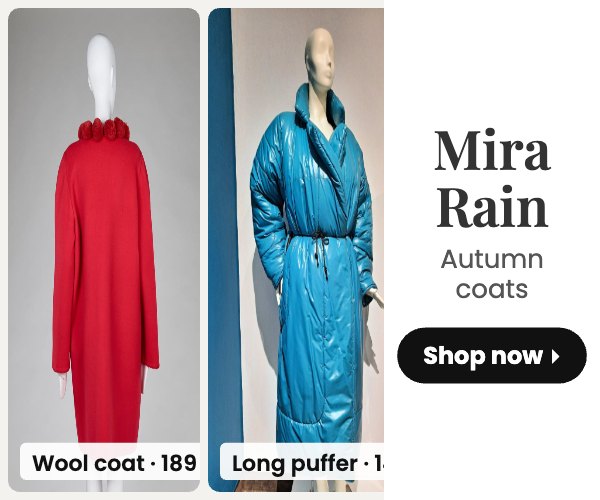

Product photos slide slowly across the banner next to a brand tile. Every photo can link to its own product, which makes it a simple alternative to dynamic product ads for fashion, furniture and gift shops.
Photo slideshow: travel, events and real estate
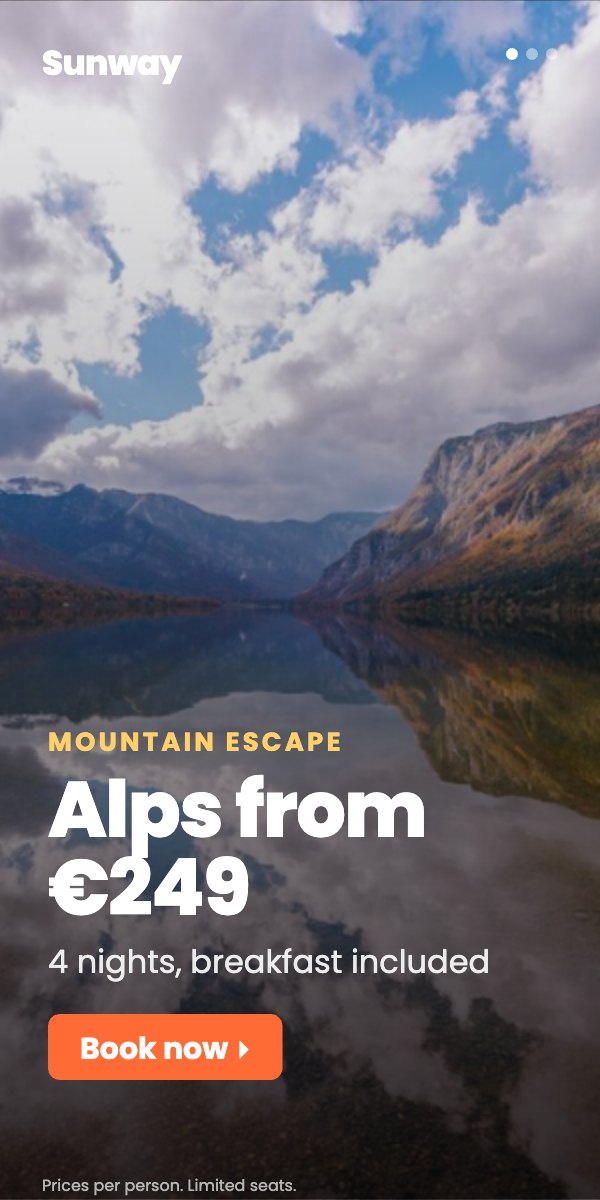
Full-size photos with a dark gradient, a short label, a headline, a second line and a button. Each slide has its own text and link, and the slow zoom adds movement without being distracting. Good for travel deals, events, cars and property.

Text only: fast and light
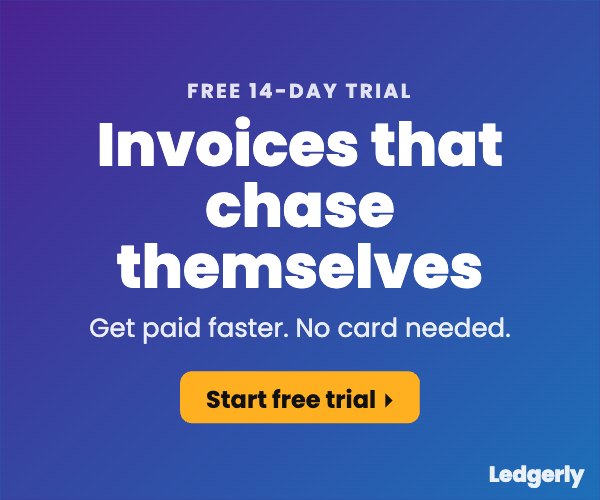
A gradient background with one message and a button. Use it for software trials, newsletters, apps and anything where a photo would not add much. It is also the lightest banner to load.
How to use Banner Studio
- Pick a template at the top. Each one starts with example photos and text so you can see how it works.
- Change the text in the Text tab and your photos, prices and links in Slides & products. Upload your own photos or pick a free stock photo.
- Remove the background of product photos on a plain white background with one tick, so they look like cut-outs.
- Add your brand: logo and colors in the Brand tab.
- Choose the motion: slide, fade or slow zoom, how long each slide shows and how many times it plays.
- Check every size with "All sizes", then download the HTML5 ZIP or images.
Several links in one banner
Each slide or product can have its own link. In the HTML5 file the main link is clickTag and the others are clickTag1, clickTag2 and so on. Google Ad Manager and most ad servers let you set these when you upload the banner. Google Ads allows only one click link per HTML5 banner, so there use the same URL for every slide.
HTML5 banner requirements to keep in mind
| Rule | Typical limit | How Banner Studio helps |
|---|---|---|
| File size | 150 KB per banner for most networks | Photos are shrunk to twice the banner size when you download |
| Animation length | 15-30 seconds, then the banner should stop | Choose to play the slides once, twice or 3 times |
| Click link | A clickTag variable instead of a fixed link | clickTag and clickTag1, clickTag2... are added for you |
| Border | A visible border when the background is white | Tick "Add a thin border" before downloading |
| Backup image | A static image for browsers that cannot show HTML5 | Download the PNG or JPG of the same size |
Rules differ between ad networks, so always check the specs of the network or publisher you are buying from. See all standard sizes in our banner ad sizes guide.
Tips for banners that work
- Keep one clear offer per slide and a headline of 3-7 words.
- Use 2-4 slides at most. More slides means people miss the message.
- Show a price or a discount when you sell products. A concrete number gets more clicks than a slogan.
- Use product photos on a plain white background, then tick "Remove the plain background".
- Make your logo visible on every slide, even if people do not click.
- Test two versions with a different headline or offer and keep the winner.
For more on what works, read Best banner ads for advertisers. Need something even simpler? Try the simple banner maker.
FAQ
Is Banner Studio free?
Yes. It is free, works in your browser, needs no sign up and adds no watermark.
Can I make animated HTML5 banners?
Yes. Download the HTML5 ZIP to get one folder per size with an index.html file. The slides, text animation and click links are already inside, ready to upload to Google Ad Manager or another ad server.
Can I use my own photos and logo?
Yes. Upload photos for each slide or product, and your logo in the Brand tab. Your images stay in your browser until you download the banner.
Can one banner link to several products?
Yes. Each slide or product has its own link field. In the HTML5 file they become clickTag1, clickTag2 and so on, next to the main clickTag.
Which banner sizes can I make?
300x250, 336x280, 300x600, 160x600, 728x90, 970x250, 970x90, 320x50, 320x100, 320x480, 1200x628 and 1080x1080. You can download many sizes at once.
Are the sample photos free to use?
Yes. The stock photos are public domain (CC0) images from Wikimedia Commons, so you can use them in your banners without credit.