
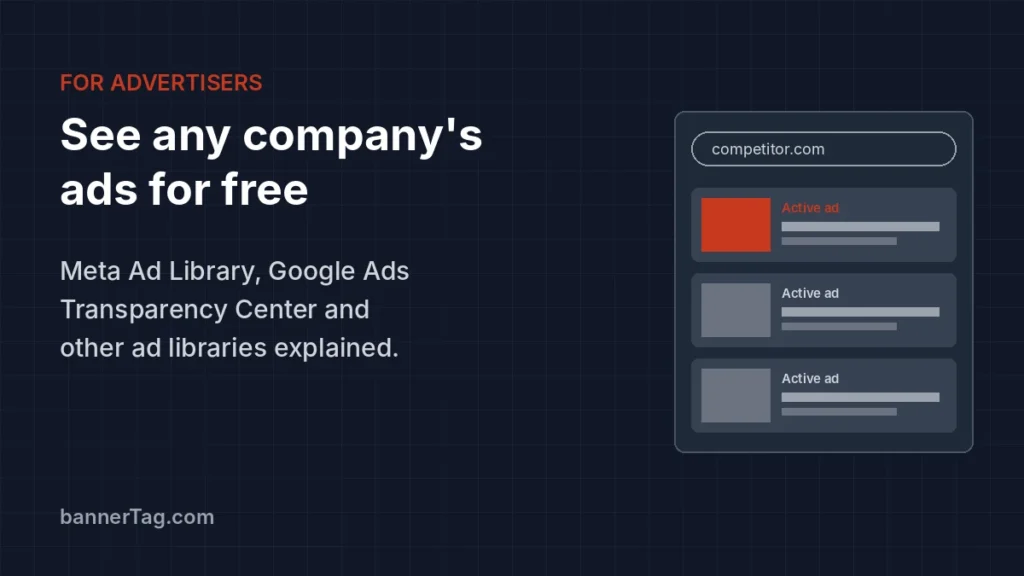
Want to see the ads a competitor is running right now? You do not need spy tools. Meta, Google, LinkedIn, TikTok and other platforms run free public ad libraries where anyone can look up an advertiser and see its ads. They were built for transparency, but they are also one of the best free research tools in marketing.
Short version: use the Meta Ad Library for Facebook and Instagram ads, the Google Ads Transparency Center for Search, YouTube, Display and Gmail ads, and the LinkedIn Ad Library for B2B ads. Search by company name or website, filter by country and date, and study what competitors repeat: ads that keep running for months usually work.
What is an ad library?
An ad library (or ad repository) is a public database of ads that a platform has shown. It lists who ran each ad, what it looked like and where and when it was shown. Platforms started them after political ad scandals around 2018, and the EU Digital Services Act made them stricter: very large platforms must keep a searchable record of ads shown in the EU, with details such as who paid and how many people saw them.
The main ad libraries
| Library | Covers | What you can see | Link |
|---|---|---|---|
| Meta Ad Library | Facebook, Instagram, Messenger, Audience Network | Active ads from any advertiser worldwide. EU and UK ads with reach data, kept for a year | facebook.com/ads/library |
| Google Ads Transparency Center | Search, YouTube, Display, Gmail | Ads per advertiser, format, last shown date and region. Extra targeting and reach data for EU ads | adstransparency.google.com |
| LinkedIn Ad Library | Ads by company, with country and date filters. Ads stay for a year after last shown | Search "LinkedIn Ad Library" | |
| TikTok Commercial Content Library | TikTok | Ads shown in the EEA, UK and Switzerland. Top Ads in TikTok Creative Center for inspiration | Search "TikTok Ad Library" |
| Microsoft Ad Library | Bing search ads | Ads shown in the EU and EEA | Search "Microsoft Ad Library" |
| Pinterest, Snapchat, X | Their own platforms | Mostly EU ads, with fewer search options | Each platform's transparency page |
How to use the Meta Ad Library
- Go to facebook.com/ads/library. You do not need an account.
- Choose a country (or All) and the ad category All ads.
- Type a brand or Page name, or a keyword such as "running shoes".
- Open an advertiser to see all its active ads. Filter by platform, media type (image, video, carousel) and date.
- Click See ad details to view every version of an ad and, for EU ads, how many people it reached.
Note: since October 2025 Meta no longer accepts new political, electoral and social issue ads in the EU. Older ones stay in the archive.
How to use the Google Ads Transparency Center
- Go to adstransparency.google.com.
- Search for an advertiser name or a website domain.
- Filter by region, date range and format (text, image, video).
- Open an ad to see the advertiser, who paid, when it last ran and where.
You can also click the three dots next to any Google ad and choose My Ad Center to see who is behind it.
7 ways to use ad libraries for research
- Find winning ads: ads that run for months are usually profitable. New ones are tests.
- Map competitors' offers: prices, discounts, free trials and guarantees they push.
- Collect creative ideas: formats, hooks in the first seconds of video, headlines and calls to action.
- See their funnel: click through to landing pages and note what they ask visitors to do.
- Spot seasonality: check when competitors start holiday or Black Friday campaigns.
- Check new markets: filter by country to see who advertises where you plan to launch.
- Prospect as a publisher: brands that advertise heavily in your niche are good leads for direct deals and sponsorships.
Limits to keep in mind
- Libraries do not show spend or results for normal commercial ads (outside the EU details and political ads).
- Data outside the EU is often limited, and some ads are missing. A 2024 Mozilla study found gaps in every platform's repository.
- Ads disappear when they stop running (Meta) or after a set period, so save what you need.
- Copy ideas, not ads. Competitors' creative is protected, and copying it can break platform policies.
Turn research into your own ads
Once you know what works in your market, build your own versions. Make banners in the free banner maker or with templates in Banner Studio, plan the budget with the media budget calculator and see examples of effective banner ads. New to paid search? Read what is Google Ads.
Frequently asked questions
What is the Meta Ad Library?
A free public database of ads running on Facebook, Instagram, Messenger and Audience Network. Anyone can search it by advertiser or keyword without logging in.
How can I see a competitor's Google ads?
Use the Google Ads Transparency Center at adstransparency.google.com. Search the company name or website and filter by region, date and format.
Can I see how much a competitor spends on ads?
Usually not. Ad libraries show spend ranges only for political ads, and extra reach data mostly for ads shown in the EU.
Is it legal to use ad libraries for competitor research?
Yes. They are public on purpose. Just do not copy competitors' ads directly, because their creative is protected.
Does TikTok have an ad library?
Yes. The TikTok Commercial Content Library covers ads shown in Europe, and TikTok Creative Center shows top-performing ads for inspiration.
Sources
- Meta Ad Library
- Google Ads Transparency Center
- Google Ads Help: Ads transparency
- Google: Launch of the Ads Transparency Center (March 2023)
- Mozilla Foundation: Ad repositories fall short (2024)
Updated November 26, 2026.